Introduction to Virtualization
Virtualization sits at the core of modern security work. Whether you’re analyzing malware in an isolated environment, building an Active Directory lab to practice attack chains, or running a full SIEM stack without dedicating separate hardware to it — virtual machines make all of that possible on a single physical host.
For security professionals, picking the right hypervisor isn’t just a matter of preference. The architecture, performance characteristics, and isolation guarantees of each platform directly affect what you can safely do with it. A platform that’s great for developer workflows may be the wrong choice for running untrusted malware samples. This guide covers the most widely used options, what makes each one useful, and where each one fits best in a security toolkit.
Hypervisor Architectures: Type-1 vs. Type-2
Before you choose a platform, it’s worth understanding the fundamental architectural difference between the two categories of hypervisors:
- Type-1 (Bare-Metal) Hypervisors: These run directly on physical hardware with no host operating system sitting underneath them. Because there’s no intermediary layer, they’re faster, more efficient with resources, and offer stronger isolation. They’re the standard choice for servers and dedicated lab machines.
- Type-2 (Hosted) Hypervisors: These run as regular applications on top of an existing operating system. The tradeoff is performance — hardware calls have to pass through the host OS — but the convenience of running VMs alongside your normal workflow makes Type-2 hypervisors the go-to choice for desktop and laptop use.
1. VMware Workstation Pro
- Supported Platforms: Windows, Linux
- Type: Free for Personal Use
- Official Website: broadcom.com
- Download Link: support.broadcom.com
Overview:
VMware Workstation Pro has been the gold standard for desktop virtualization for years, and Broadcom’s decision to make it free for personal use after acquiring VMware was a significant win for the community. It delivers enterprise-grade performance, excellent snapshot management, and some of the most flexible virtual networking options available on any desktop hypervisor.
Features:
- Tree-structured snapshot branching for granular state management.
- Full virtual networking control — NAT, host-only, bridged, and custom isolated LAN segments.
- Linked and full clones for fast VM replication without duplicating full disk images.
- Virtualization-Based Security (VBS) and virtual TPM support for Windows 11 guests.
Cybersecurity Application:
Workstation Pro is the premier desktop tool for malware analysis and penetration testing labs. The custom LAN segment feature is particularly valuable — you can build a fully isolated network where a Windows victim machine communicates with a REMnux analysis box, and neither touches your actual home network. That kind of isolation is essential when detonating real malware samples.
Video Tutorial:

2. Oracle VM VirtualBox
- Supported Platforms: Windows, macOS, Linux, Solaris
- Type: Free & Open Source (GPL v2)
- Official Website: virtualbox.org
- Download Link: virtualbox.org/wiki/Downloads
Overview:
VirtualBox is Oracle’s cross-platform open-source hypervisor, and it’s one of the most widely used desktop virtualization tools in existence. It runs on virtually every desktop OS, supports an enormous range of guest systems from legacy MS-DOS to current Windows and Linux distributions, and has a thriving ecosystem of community plugins and extensions.
Features:
- Multi-generational snapshots for easy rollback to any previous state.
- Seamless Mode for merging guest application windows onto the host desktop.
- A full CLI (
VBoxManage) that makes VM management scriptable and automatable. - Guest Additions enabling shared clipboard, drag-and-drop, and better display integration.
Cybersecurity Application:
VirtualBox is the default provider for Vagrant, which makes it the backbone of many automated lab setups. With a single Vagrantfile, you can spin up a pre-configured Metasploitable instance, a vulnerable Active Directory range, or a multi-machine network topology in minutes. For students and people just getting into security research, this combination is hard to beat.
Video Tutorial:
3. QEMU (Quick Emulator)
- Supported Platforms: Linux, macOS, Windows
- Type: Free & Open Source
- Official Website: qemu.org
- Download Link: qemu.org/download
Overview:
QEMU occupies a unique position in this list — it’s both a virtualizer and a full machine emulator. When paired with KVM or Apple’s Hypervisor.framework, it runs at near-native speeds. But what sets it apart is its ability to emulate completely different hardware architectures in software, allowing you to run ARM binaries on an x86 host, or simulate a MIPS router without any physical hardware.
Features:
- Full system emulation for x86_64, ARM, MIPS, RISC-V, SPARC, and more.
- User-mode emulation to run foreign-architecture binaries directly on the host.
- Deep integration with KVM for high-performance Linux virtualization.
- Highly scriptable and automatable from the command line.
Cybersecurity Application:
QEMU is the essential tool for firmware analysis, IoT security research, and embedded systems reverse engineering. When a security researcher needs to understand how a smart device or router behaves — without owning the physical hardware — they extract the firmware and emulate it in QEMU. It enables dynamic analysis of binaries that would otherwise require specialized hardware to run.
Video Tutorial:
4. Proxmox VE (Virtual Environment)
- Supported Platforms: Bare-metal (Debian-based)
- Type: Free & Open Source (AGPL v3) with paid enterprise support
- Official Website: proxmox.com
- Download Link: proxmox.com/en/downloads
Overview:
Proxmox VE is what you reach for when you want to build a serious home lab without spending money on enterprise hardware licensing. It installs directly on bare metal, combines KVM virtualization with LXC containers on a single platform, and gives you a polished web interface to manage everything from anywhere. It’s genuinely enterprise-quality software available at no cost.
Features:
- Dual engine: full KVM virtual machines alongside lightweight LXC containers on the same host.
- Built-in cluster management and live VM migration between nodes.
- Integrated backup and restore, including scheduled backup jobs.
- ZFS and Ceph storage integration for advanced storage configurations.
Cybersecurity Application:
Proxmox is the ideal foundation for a persistent home security lab. You can run a full stack — SIEM, threat detection, multiple Windows and Linux targets, a dedicated firewall VM — all on a single repurposed server or mini PC. It frees your main workstation from lab overhead completely, and you can manage everything remotely through the web UI.
5. KVM (Kernel-based Virtual Machine)
- Supported Platforms: Linux
- Type: Free & Open Source
- Official Website: linux-kvm.org
- Download Link: linux-kvm.org/page/Downloads
Overview:
KVM is a virtualization module built into the Linux kernel itself. When your CPU supports hardware virtualization (Intel VT-x or AMD-V), KVM effectively turns the Linux kernel into a Type-1 hypervisor. Most people interact with KVM through front-ends like virt-manager for a graphical interface or virsh for command-line management, while QEMU handles the actual device emulation underneath.
Features:
- Kernel-level integration for maximum efficiency with minimal overhead.
- Advanced CPU and memory scheduling through the Linux scheduler.
- Seamless integration with QEMU for hardware device emulation.
- Rock-solid stability backed by years of production use in enterprise environments.
Cybersecurity Application:
KVM is what most serious Linux-based security infrastructure runs on. If you’re hosting Suricata, Zeek, or a full intrusion detection stack in VMs, KVM gives you the performance headroom to do it without constant resource contention. It’s also the engine under Proxmox and most cloud platforms.
6. Microsoft Hyper-V
- Supported Platforms: Windows (Pro, Enterprise, Server)
- Type: Free (Built into Windows)
- Official Website: learn.microsoft.com
Overview:
Hyper-V is Microsoft’s built-in Type-1 hypervisor for Windows. When you enable it, Hyper-V sits directly on the hardware and runs Windows itself as a privileged virtual machine on top. It’s what powers Windows Sandbox, Microsoft Defender Application Guard, and WSL2 under the hood — features you may already be using without realizing the hypervisor is involved.
Features:
- Virtualization-Based Security (VBS) and Credential Guard for protecting Windows secrets.
- Windows Sandbox — a disposable, isolated Windows environment that resets completely on close.
- Dynamic memory allocation and a virtual switch manager for network segmentation.
- Nested virtualization support for running hypervisors inside VMs.
Cybersecurity Application:
Hyper-V is the natural choice for Windows-centric security work. Analysts use it to test Group Policy configurations, study Windows security controls in isolation, and inspect suspicious links or files using Windows Sandbox — where the worst case is simply closing the window. For blue team work focused on Windows environments, it integrates more cleanly than any third-party hypervisor.
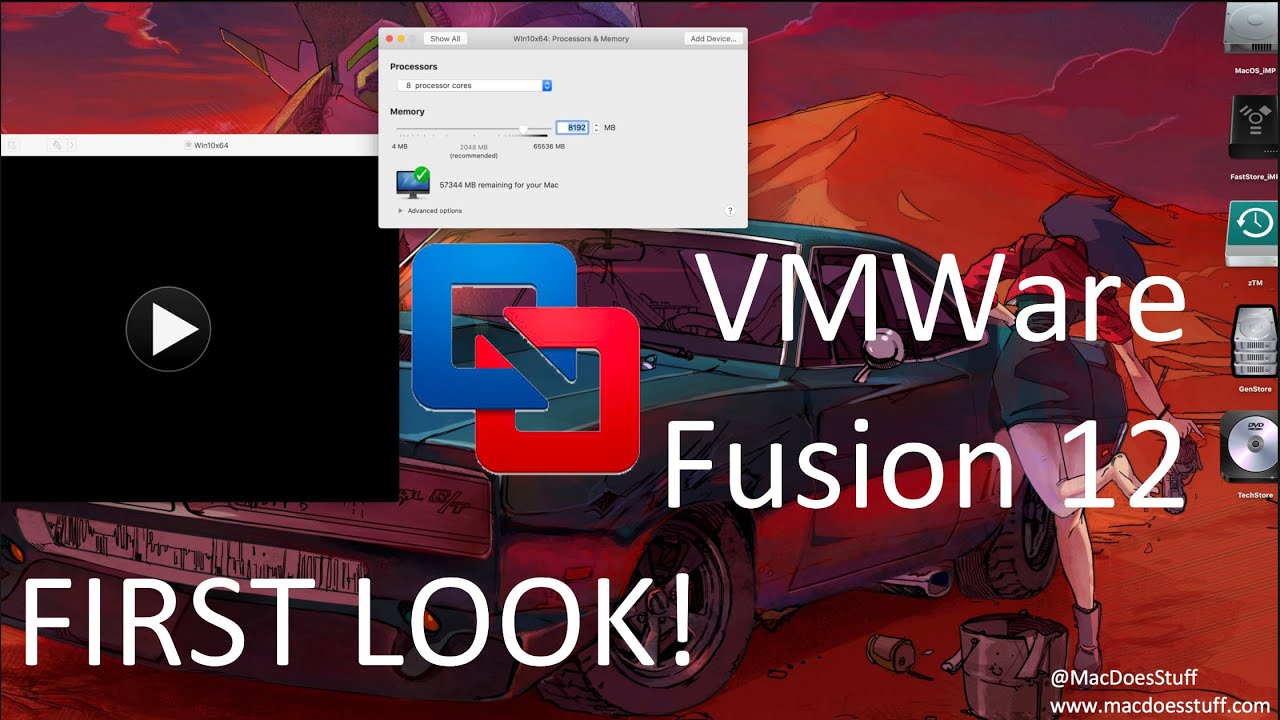
7. VMware Fusion Pro
- Supported Platforms: macOS
- Type: Free for Personal Use
- Official Website: broadcom.com
- Download Link: support.broadcom.com
Overview:
VMware Fusion Pro is the macOS counterpart to Workstation Pro, and like Workstation, Broadcom made it free for personal use. It handles both Intel and Apple Silicon Macs well — running x86_64 guests on Intel hardware and native ARM64 guests (including Windows 11 ARM and Linux ARM64 distributions) on M1, M2, M3, and M4 chips.
Features:
- High-performance graphics with DirectX and OpenGL support in guest VMs.
- Unity Mode for running Windows applications directly from the macOS Dock.
- Native macOS integration — Retina display support, keyboard layout sync, and file sharing.
- Virtual TPM and secure boot support for Windows 11 guests.
Cybersecurity Application:
Fusion Pro lets Mac-based security analysts run standard Linux auditing environments like Kali Linux and Windows test targets without leaving their macOS workflow. Its optimization for Apple Silicon makes the performance genuinely usable — running a Windows 11 ARM VM on an M-series Mac is efficient enough for day-to-day analysis work.
Video Tutorial:
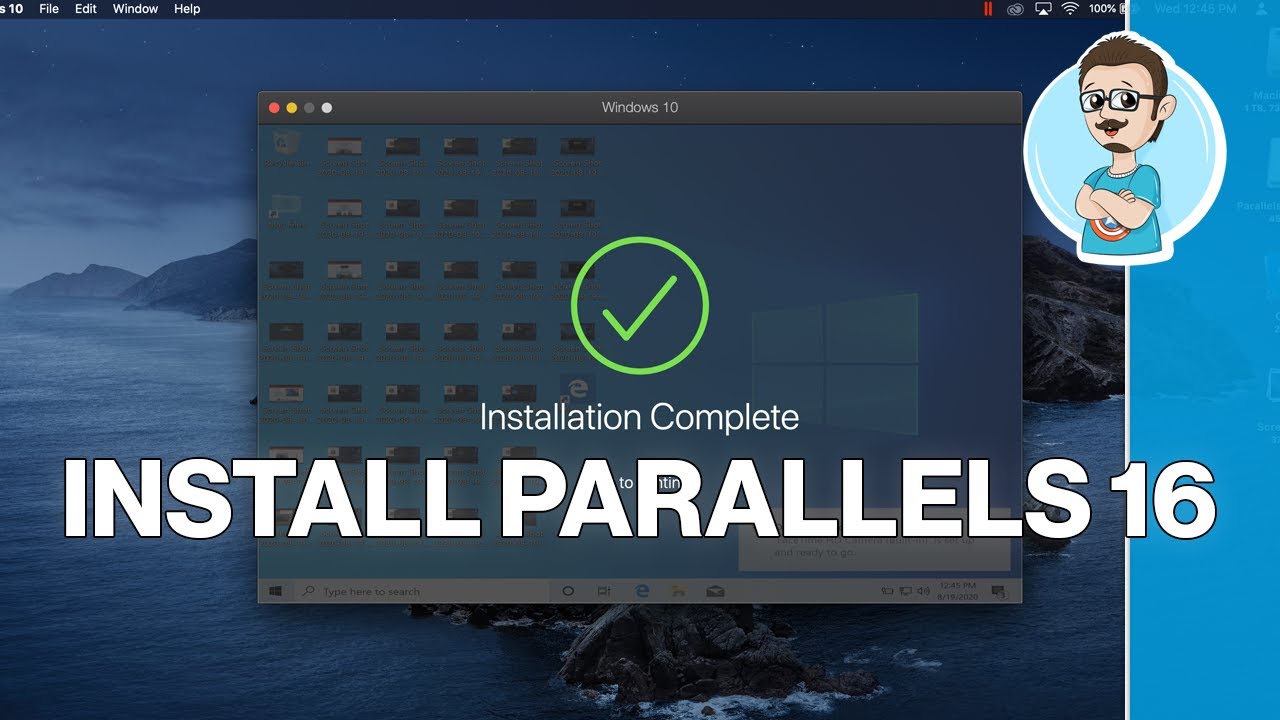
8. Parallels Desktop
- Supported Platforms: macOS
- Type: Premium (Subscription-based)
- Official Website: parallels.com
- Download Link: parallels.com/products/desktop/trial
Overview:
Parallels Desktop is the premium commercial hypervisor for macOS, built specifically around delivering the best possible Windows-on-Mac experience. It’s particularly well-optimized for Apple Silicon, and it’s one of the few virtualization platforms officially authorized by Microsoft to run Windows 11 ARM. If smooth, low-friction Windows integration on a Mac is the priority, Parallels is the benchmark.
Features:
- Best-in-class performance for Windows guests on Apple Silicon Macs.
- Coherence Mode, which runs Windows applications as if they were native Mac apps.
- One-click downloads and setup for popular guest OSes including Windows, Ubuntu, and Fedora.
- Tight integration with macOS features and minimal resource overhead for everyday use.
Cybersecurity Application:
Parallels is the right choice for security analysts who need access to Windows-only tools — specific ICS/SCADA management consoles, certain decompilers, or proprietary debugger GUIs — alongside their macOS toolkit. The seamless integration means switching between platforms doesn’t interrupt your workflow.
Video Tutorial:
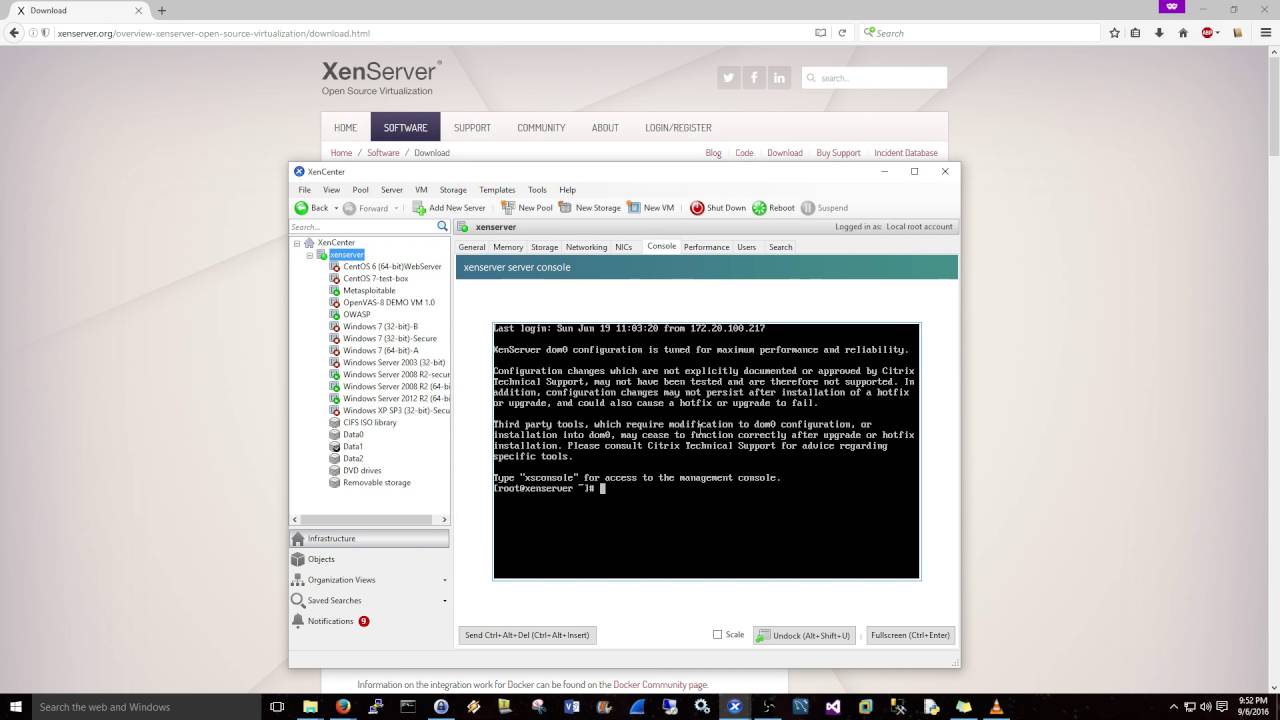
9. Xen Project
- Supported Platforms: Linux, Unix-like
- Type: Free & Open Source
- Official Website: xenproject.org
- Download Link: xenproject.org/downloads
Overview:
The Xen Project is a mature open-source Type-1 hypervisor with a long track record in production cloud environments — Amazon Web Services ran heavily on Xen for years before transitioning to their own Nitro platform. Its design philosophy prioritizes security through minimal code complexity and strong isolation boundaries between virtual machines.
Features:
- A minimal hypervisor codebase that reduces the attack surface compared to monolithic operating systems.
- Driver domains that isolate device driver failures and compromises from the rest of the system.
- Support for both paravirtualization (PV) and full hardware virtualization (HVM).
- Designed for high isolation and scalability from the ground up.
Cybersecurity Application:
Xen’s most prominent security use case is Qubes OS, an operating system built entirely around the isolation-by-compartmentalization model. Each security zone — vault, work, personal, untrusted — runs in its own separate Xen VM. A malicious document opened in the “untrusted” VM has no path to the sensitive data sitting in the “vault” VM. For threat researchers and high-risk users who need strong operational security, it’s one of the most thoughtfully designed systems available.
Video Tutorial:
10. UTM
- Supported Platforms: macOS, iOS
- Type: Free & Open Source
- Official Website: mac.getutm.app
- Download Link: mac.getutm.app/download
Overview:
UTM wraps QEMU in a clean, native macOS interface and takes full advantage of Apple’s Hypervisor.framework and Virtualization.framework for high-performance virtualization on modern Macs. It runs in two modes: fast native virtualization when the guest architecture matches the host, and full emulation when you need to run something like x86_64 code on Apple Silicon.
Features:
- Native virtualization mode for matching architectures and emulation mode for cross-architecture use cases.
- A modern, well-designed Swift UI that fits naturally in macOS.
- Support for folder sharing, USB redirection, and clipboard integration.
- Runs on iOS/iPadOS as well — you can run virtual machines on an iPad.
Cybersecurity Application:
UTM is the best free option for Apple Silicon Mac users who need a virtualization environment. Security students use it to run ARM-native Kali Linux with excellent performance, and the emulation mode lets them analyze legacy x86_64 malware samples or run older penetration testing ISOs that haven’t been rebuilt for ARM. For anyone on an M-series Mac who doesn’t want to pay for Parallels, UTM is the obvious starting point.
Hypervisor Comparison Matrix
| Hypervisor | Host OS | Type | Licensing | Primary Security Application |
|---|---|---|---|---|
| VMware Workstation Pro | Windows, Linux | Type-2 | Free (Personal) | Malware analysis & AD lab networking |
| Oracle VM VirtualBox | Cross-platform | Type-2 | Free & Open Source | Automated target labs via Vagrant |
| QEMU | Cross-platform | Type-2 / Emulator | Free & Open Source | IoT/firmware emulation & reverse engineering |
| Proxmox VE | Bare-Metal | Type-1 | Free & Open Source | Persistent home labs & SIEM hosting |
| Microsoft Hyper-V | Windows | Type-1 | Free (Built-in) | Windows Sandbox & blue team testing |
| VMware Fusion Pro | macOS | Type-2 | Free (Personal) | Linux/Windows VMs on macOS |
| Parallels Desktop | macOS | Type-2 | Premium | Windows-only security tools on Mac |
| KVM | Linux | Type-1 | Free & Open Source | High-performance IDS/IPS & security infra |
| Xen Project | Linux/Unix | Type-1 | Free & Open Source | Strong isolation environments (Qubes OS) |
| UTM | macOS, iOS | Type-2 / Emulator | Free & Open Source | Native ARM & emulated x86 VMs on Apple Silicon |
Conclusion
The right virtualization platform depends on your hardware and what you’re trying to accomplish. For most people starting a home lab on a standard laptop, VirtualBox with Vagrant gives you a quick and reproducible way to spin up target environments. If you’re on Windows or Linux and need more power — better snapshots, proper network segmentation, and vTPM support — the now-free VMware Workstation Pro is the obvious upgrade.
On macOS, UTM covers the essentials for free, while Parallels Desktop delivers the best Windows performance if that’s worth paying for. And if you have dedicated hardware to turn into a permanent lab server, Proxmox VE is in a category of its own — it gives you a full enterprise virtualization stack, for free, with a web UI you can access from anywhere.
References
- QEMU Documentation
- VirtualBox Manual
- VMware Workstation Documentation
- Xen Project Overview
- Linux KVM Documentation
- UTM Virtualization Documentation
- Proxmox VE Wiki
